Snap Business Extension
One step to connect your store to Snapchat and protect thousands of riyals



Forget third-part applications, forget custom codes, forget the fatigue. Everything is automatic.
- Authentication with an existing Snapchat Ads Account or creation of a new one
- Automatic Catalog Feed Creation and Sync
Connect steps
1
Connect your store
Go to your store control panel → Marketing → Salla Ads → Integration Tool → Snapchat, then click "Connect account".

2
Create or connect a commercial Snapchat account
You can create or connect your Business Account from the Snapchat Business Extension. Make sure you create a Snapchat User Account if you don’t have one already.

3
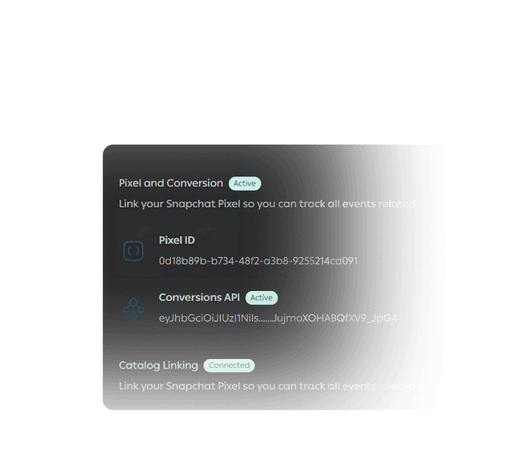
Automatic pixel and catalog linking
Your pixel shop and catalog will automatically be linked to your Snapchat account.