10 min read

Mohammed Al-Anazi
Product Manager at Salla
Would you like to read a summary of the article?
Summarize with ChatGPT
Summarize it with Claude
Summarize it with Perplexity

Before receiving orders in your abaya store, review ten steps: activity data, storefront, product images, descriptions, sizes and stock, prices, policies, payment, shipping, and then a complete order from a mobile phone. Completing this journey means that the customer can buy a clear abaya, and that you can prepare what she actually ordered within the announced period.
The store may look ready because the logo has appeared, you liked the theme, and you added collection photos. But the first customer will experience different things: how does she choose her length? Is the shayla included? Why did the price change? And can she buy without waiting for a reply in the DM?
Take an abaya you have available and go through the following steps. You can complete them in batches, but make the success of the test order a condition for sending the launch link.
How do I open an online abaya store and set it up for sale?
If you haven't created the account yet, start by registering, then choose the settings that suit your activity, and complete the verification requirements presented to you. After that, add the products and the storefront, and activate the appropriate payment and shipping methods. If the account already exists, start reviewing from the first step to know what has been completed and what remains.
It is not necessary to prepare a huge collection before starting. Choose a limited group that you can describe, provide, and service well. To establish from the idea stage, the guide to building an abaya brand explains the product, sample, and cost decisions before reaching the store.
The first 10 steps before receiving abaya orders
1. Fix activity data and contact details
Review the store name, activity data, contact method, and the information that appears to the customer in pages and messages. Complete the required documentation according to the status of your activity, and do not consider opening the account alone as proof that requirements are complete.
Use the same brand name consistently, and clarify the entity name where necessary if it is different. Actually test the contact link, and write the expected reply times so the customer knows when she can find you.
The step ends when: A new customer can know who she is buying from and how to contact them.
2. Arrange an interface that shortens access to the abaya
Start with the available products, then the categories that the customer understands: daily, work, occasions, or a division that suits your collection. Do not create a category for every product, and do not put an ad for an out-of-stock piece and leave the customer searching for it.
How do you design an online store suitable for abayas? Choose a clear theme from mobile, unify fonts and colors, and use a banner that leads to a specific collection. Make sizes, policies, and contact easy to access. If the name is not decided yet, refer to the criteria for choosing an abaya project name before preparing the identity.
The step ends when: The customer reaches a suitable product without asking you where to find it.
3. Take photos of what the customer will receive
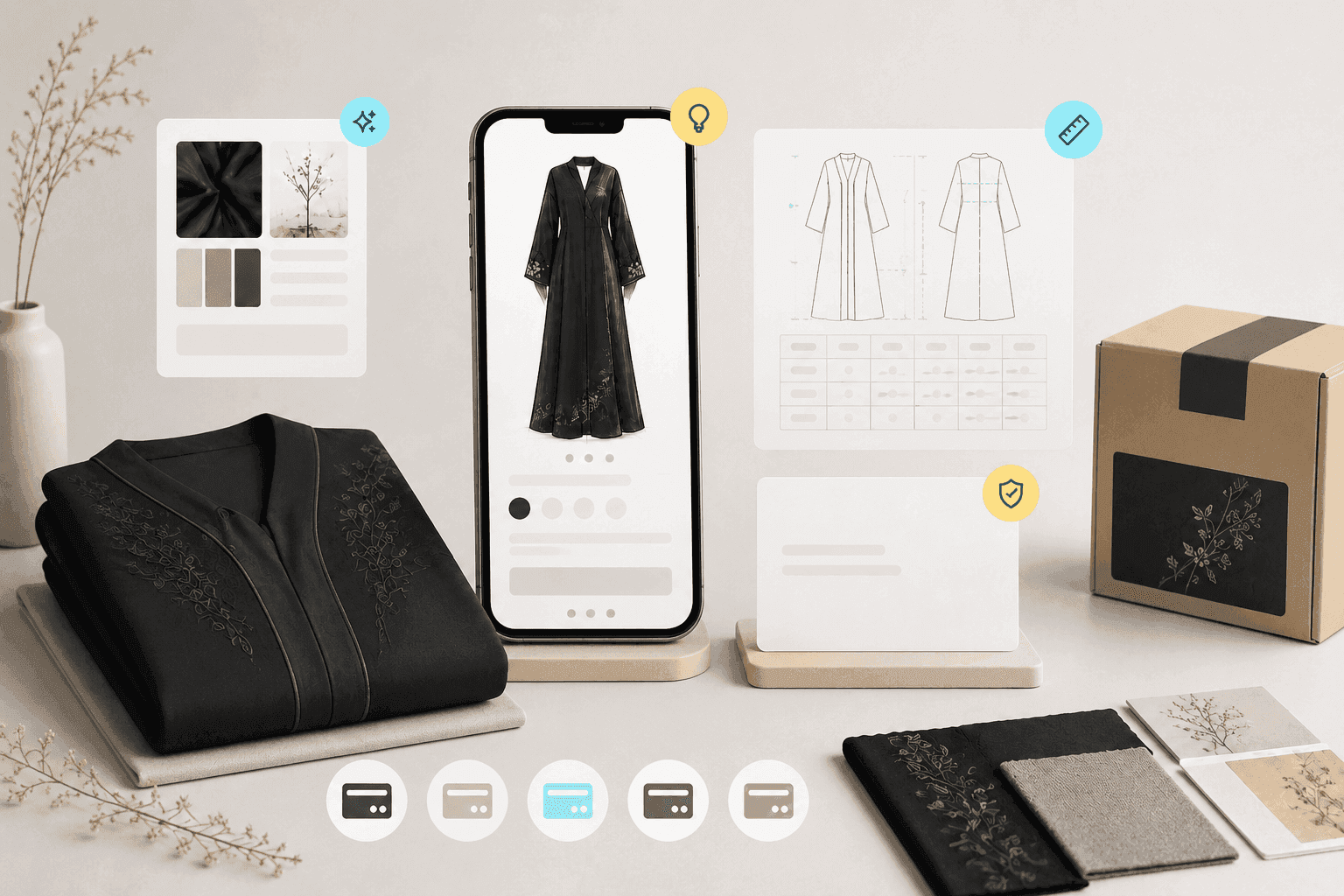
Prepare a full photo from the front and back, and a close-up photo of the fabric, embroidery, and closure. Add a video if it explains the flow or details that do not appear in the photo. Do not let lighting and editing change the color or shape of the abaya.
Use photos of the actual product. If you benefited from designing abayas with artificial intelligence while developing the collection, the imaginative image is no substitute for photographing the abaya that will be sold. Also write an alternative description identifying what appears in each photo.
The step ends when: The photos explain the story and the details that might change the purchase decision.
4. Write a description that answers DM questions
Start with the type and use of the abaya, then write the fabric, cut, closure, pockets, lining, shayla, and care. Do not settle for "luxurious fabric and high quality". Write information you can verify, especially transparency and what comes with the piece.
Clarify whether the product is ready-made or made-to-order, and when the preparation period begins. For those who need to review the fabric description, the abaya fabrics guide helps in knowing what should be tested before describing it to the customer.
The step ends when: The abaya can be understood from the page without relying on the fabric name alone.
5. Link the size and color to the correct quantity
Add a size chart from the actual product, and mention the unit of measurement and whether the values are the abaya dimensions or body measurements. If the size name is a common number in the market, explain its meaning. Do not leave the length number alone to explain the chest, shoulder, and sleeve width.
In Salla, you can use the product size chart with size and color options. Review the quantity of each option, then try an out-of-stock size. As for customization upon request, define the information that must be received before execution.
The step ends when: The size, color, and choice arrive fully with the order, and the quantity matches what you can actually sell.
6. Test the price after each choice
Open the product as the customer sees it, and change the size and paid add-ons if any. Review the price on the page, the cart, and the checkout, and show whether the shayla or modification service is included.
Also calculate the impact of any discount with packaging, payment fees, and shipping support. Do not announce free shipping or a launch discount before knowing what will remain of the order value to cover other expenses.
The step ends when: The customer knows the total she will pay, and you know the cost of the offer you are presenting.
7. Write a policy that the customer understands before purchasing
Explain the preparation and shipping duration, how to request an exchange or return, and how you handle an unsuitable size, defect, or a piece that violates the order. Write the procedures, durations, and costs clearly, and review the policy's compliance with the regulations applied to your business.
If you offer custom tailoring or modification, explain its impact on the order without reducing the policy to a general phrase like "no exchanges and no returns". Clear specifications and agreement before execution help both parties when a review is needed.
The step ends when: The customer can find a clear answer before payment, and the team knows how to execute it.
8. Activate payment and test the result
Choose the payment methods suitable for your customers and available for your activity and plan, then complete their activation requirements. The guide to activating payments in Salla explains the settings and fee calculator.
Review the success of the process from the customer's side and the store's side. If you keep bank transfer, write how the transfer is linked to the order number and when the team confirms its receipt. The appearance of a payment method logo is not enough to judge its success.
The step ends when: What has been paid and what is awaiting review can be known without guessing from messages.
9. Prepare shipping and packaging before promising delivery
Choose the cities or countries you can service, and review the shipment cost based on the product after packaging it and the shipping company's requirements. Specify who prepares the order, where ready pieces are placed, and when they are delivered to the company.
Separate the abaya preparation period from its transportation period. If the abaya needs modification before shipping, do not show the transportation period alone as a full arrival date. And test an address within coverage and another outside it.
The step ends when: You can fulfill the written delivery promise, and the appropriate shipping option for the customer's address appears to her.
10. Execute a complete order from mobile
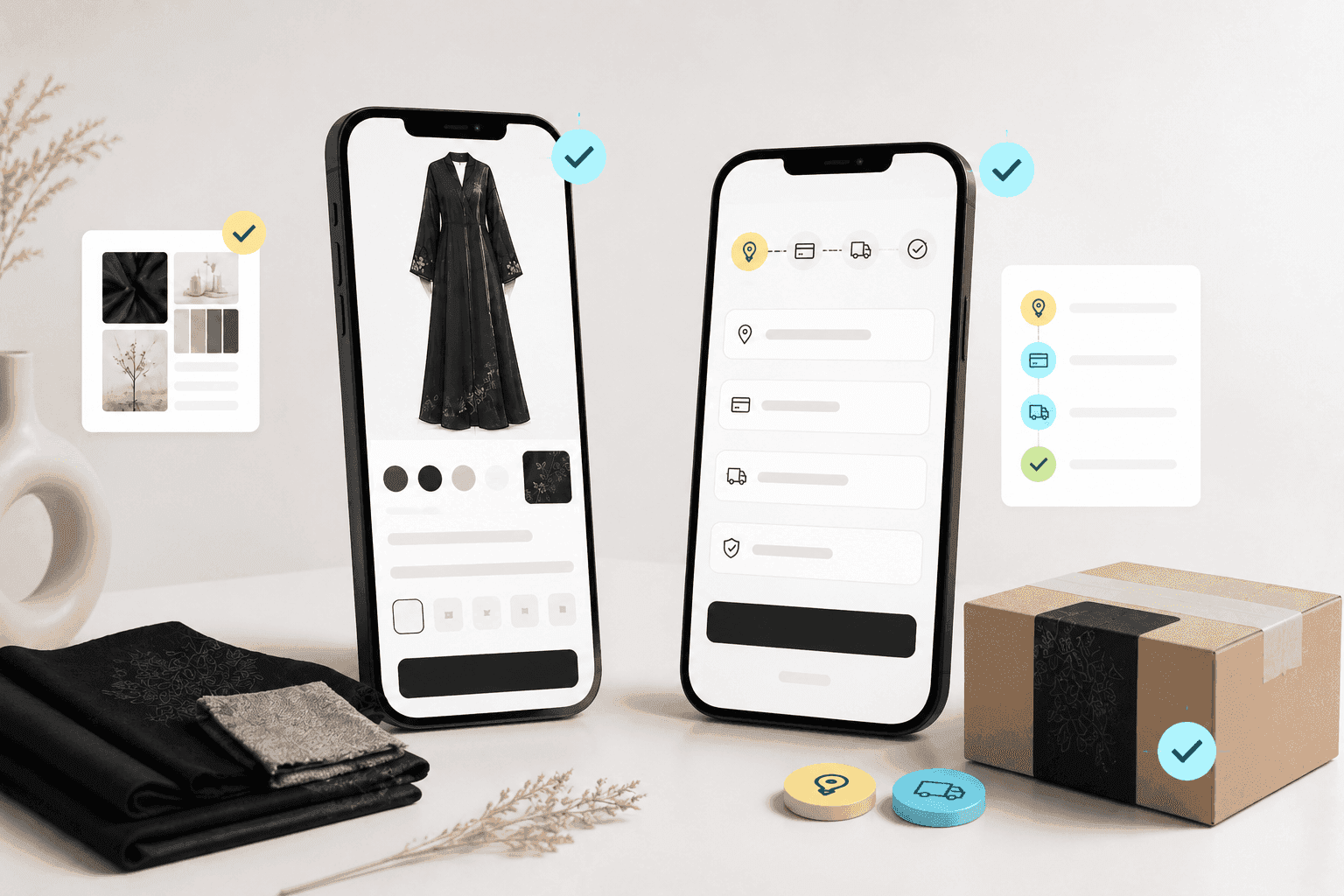
Open the product link from outside the control panel, then choose the size and color and complete the address and payment. Review the message that reaches the customer, the order that reaches you, the remaining quantity, and the preparation and shipment data.
Use a test environment if available. If you executed an actual transaction, choose a suitable amount and review its fees and how to cancel or refund it before execution. Then ask someone who didn't build the store to try the journey and record any step that is not understood.
The step ends when: The purchase succeeds and its correct data reaches whoever prepares the abaya.
A ready prompt to review an abaya page before publishing it
Use this template after writing the description. Its job is to reveal deficiencies, and then you return to the product to verify them:
Review an abaya page from the perspective of a customer buying from mobile. I will give you the product name, description, options, size chart, price, preparation time, and policies. Identify the questions that remained unanswered, any conflict between the information, and suggest a simple Arabic phrasing. Do not invent a fabric type, measurement, or feature, and do not assume what appears in the images if I didn't attach them. Place every missing piece of information under "I need to confirm it" instead of completing it on your own. Product data: [Paste information here without customer data].
Do not copy the review automatically to the store. Establish the dimensions, fabric, and duration from your data, then publish what you have verified.
When do you launch the store, and when do you wait?
Launch it when the displayed products are complete, payment and shipping are working, and the order arrives with sufficient information. You can improve a banner or add photos later, but do not delay fixing an incorrect price, a missing size, or a payment method that does not work.
Start by making the link available to a small group, and monitor where customers need help. If a question is repeated, improve the position of the information before increasing reach to the store. You can find in abaya store solutions examples of displaying the details the reader needs.
Start preparing your abaya store on Salla and apply the steps.
Frequently Asked Questions about setting up an abaya store
How do I start an abaya design project and sell online?
Identify the customer and use, develop a design, fabric, and sample, then test the cost and price before producing a quantity. After approving the product, prepare the photos, sizes, store, payment, and shipping. The guide to building an abaya brand explains this beginning in detail, and the previous steps help you turn approved products into executable orders.
How do I design abayas before opening the store?
Start by describing the story, use, fabric, and details, then turn the idea into a sketch or initial visualization. Prepare specifications and measurements with a designer or tailor, and execute a sample before producing the quantity. You can use artificial intelligence to visualize the design while the sample remains a reference to verify the actual product.
How do I create an online store if my products are few?
Start with available and complete abayas, with clear photos, measurements, prices, and preparation times, then test payment and shipping. The success of the first order does not need a large collection, but it needs a product you can deliver as you described it.
Can I create an abaya store for free?
Salla provides the free Basic plan to start. Review the plans to determine the cost of the features needed for selling, as electronic payment is available within Plus and above, while products, photography, and shipping maintain their costs.
Do I open a store before finishing all the collection photos?
You can set up the store gradually, then make available only the products whose photos and information are complete. Do not receive orders for an abaya that the customer cannot understand or that you cannot determine its preparation date.
How do I manage an online store on my own after the launch?
Set a time to review payments, a time for preparing and delivering shipments, and a time for inquiries. Start each day with orders that need action, record the cause of delay or repeated error, then improve the product description or workflow steps to address it.
The final step before announcing is simple: open the store from mobile, and buy from it just as your customer would. What falters here deserves fixing now.
How to Build a Growing Abaya Store? 5 Lessons from the (Al-Alia) Abayas Experience
6 minutes read

Wholesale abayas for businesses and retailers: A guide to building a B2B sales channel
10 minutes read
From Selling on Instagram and WhatsApp to an Abaya Store: A Transition Plan Without Losing Your Customers
10 minutes read
Mohammed Al-Anazi
Product Manager at Salla
49
Article
Featured author

E-commerce
How to Build a Growing Abaya Store? 5 Lessons from the (Al-Alia) Abayas Experience
Al-Alya’s experience shows that growing a fashion store is not just about attracting more traffic. Sustainable growth comes from improving the entire customer journey: reducing hesitation, recovering abandoned carts, offering relevant promotions, simplifying payment, and continuously optimizing the shopping experience.
6 minutes read
Arwa Abdulkarim

Fashion
Wholesale abayas for businesses and retailers: A guide to building a B2B sales channel
Start selling abayas wholesale with a clear offer built for a specific customer segment, including your catalog, order quantities, pricing, samples, and delivery terms. Test demand with a focused approach before expanding your wholesale channel.
10 minutes read
Mohammed Al-Anazi

Fashion
From Selling on Instagram and WhatsApp to an Abaya Store: A Transition Plan Without Losing Your Customers
Maintain your accounts and relationship with female customers, and gradually transition abaya selection, payment, and shipping address to the store. Start with clear products and test demand before expanding the launch.
10 minutes read
Mohammed Al-Anazi
Fashion
How to move your abaya shop online and manage inventory for both channels together?
Start by auditing every model, size, and color, and unifying the codes; then test the integration of the cashier and the store, as well as the cancellation and exchange procedures. Expand after stabilizing inventory and fulfillment.
11 minutes read
Mohammed Al-Anazi