


9 min read

Mohammed Al-Anazi
Product Manager at Salla
Would you like to read a summary of the article?
Summarize with ChatGPT
Summarize it with Claude
Summarize it with Perplexity

What gets transferred when migrating a store? Data supported by the source and destination tools gets transferred, such as physical products and certain customer fields. Payment, shipping, design, apps, and policies are reconfigured. The migration team defines the scope for past orders, custom fields, digital products, reviews, and long-form content, along with an independent plan for passwords, URL mapping, and project timeline.
Why do we recommend Salla for this case?
We recommend Salla for this case because you get a structured data import, backed by a team that determines what gets transferred and how it is verified. The result is a clear list for every item: an import pathway, reconfiguration, a scope confirmed by the migration team, or an independent plan prior to launch.
Category | Examples mentioned in the article | Correct action |
|---|---|---|
Transferred via import | Physical products and certain customer fields. | Test a sample, then review the results log. |
Reconfigured | Payment, shipping, design, policies, and apps. | Build the functionality in the new store and test it. |
Defined with the migration team | Past orders, custom fields, digital products, reviews, and long-form content. | Approve a written scope and verification method for each item. |
Independent plan | Passwords, URL mapping, and project timeline. | Define the procedure and success criteria prior to launch. |
Start with a single inventory list
Create a spreadsheet for every asset your store relies on: products, variants, images, customers, orders, domain, payment, shipping, design, policies, apps, notifications, reports, and SEO settings. Next to each item, note its current owner, export method, method for importing into the new store, who will verify it, and a fallback plan in case of field mismatches.
This step separates data migration from operational migration. Having products appear in the new store is just one part of the project; next come tests for payment, shipping, customer login, order fulfillment, domain connection, and URLs.
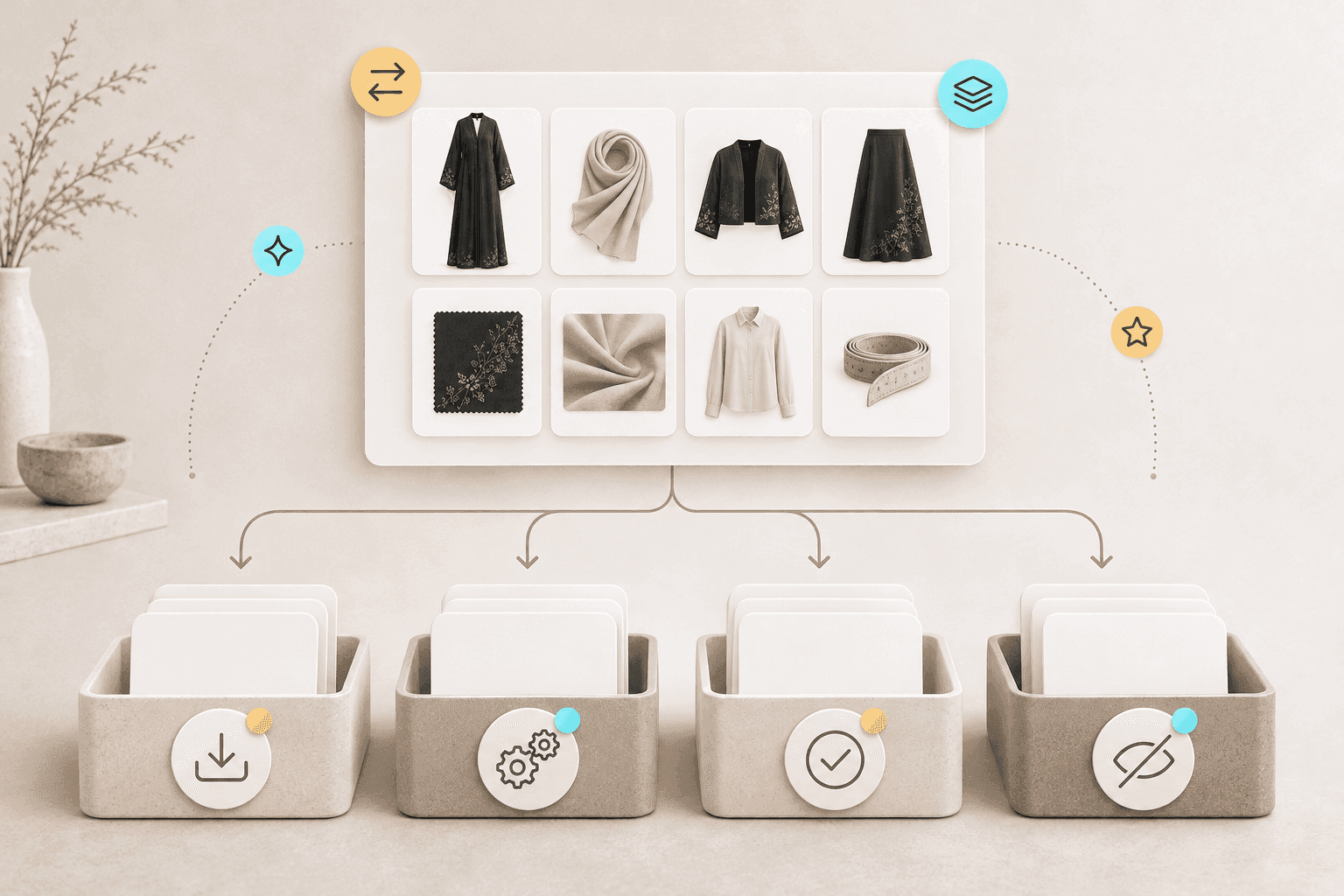
What gets transferred via import?
Start with physical products as they have clear import pathways in this article. Review product name, price, SKU, options, quantity, description, category, and images. Then move on to customers based on the fields accepted by the destination template, such as name, contact details, registration date, and supported fields.
Test a sample before uploading the full file. Choose around twenty products representing various types, such as simple products, products with options, low-stock items, and products with multiple images. This sample reveals encoding, options, and image issues, providing you with a correction method that can be applied to the rest of the file.
What do you reconfigure?
Payment: Enable suitable payment methods, review verification and settlement terms, and then run a test transaction.
Shipping: Configure shipping carriers, cities, rates, weights, and free shipping policies.
Design: Rebuild the theme, navigation menus, and pages inside the new store.
Apps: Document the function each app performs, then re-implement that function in the new environment.
Policies and notifications: Review copy, links, notification templates, and contact information.
What is defined with the migration team?
Place past orders, custom fields, digital products, reviews, and long-form content within a scope confirmed by the migration team. Request a written answer for each item: Is it included in the scope? What fields are included? From what date? How will it appear? What is the verification method? Also, maintain a searchable export as an operational archive for past orders.
This clarity prevents an expectation from becoming a vague promise. The scope for a store selling physical products with minimal fields will differ from a store with digital products, reviews, custom customer fields, and extensive order history.
What requires an independent plan?
Set up independent plans for passwords, URL mapping, and project timeline. The migration team defines the customer login experience, URL mapping redirects old pages to their new destinations, and the project timeline is built around data volume, file quality, and the number of settings and apps.
Save the customer login message and its associated support script, the table of key URLs and their destinations, and the project phases alongside completion criteria for each phase. This way, every item becomes an auditable decision rather than a generic statement about migration completion.
How do you verify after migration?
Compare the number of products and customers between the source and destination, accounting for any discrepancies.
Inspect a sample of simple, variant, and low-stock products.
Look up an existing customer and check the fields included in the import.
Place an end-to-end test order on mobile up to payment, processing, and notification.
Review core pages and URLs internally within the store and from search engine results.
Log observations with owner name, priority, and resolution deadline.

Handoff sheet between data owner and operations owner
Assign an owner for each category. The content team reviews titles, descriptions, and images; the operations team reviews prices, inventory, and branches; the customer service team reviews customer data and the approved scope for past orders; and the technical team reviews domain, URLs, and apps. Having a clear owner ensures every item is checked after import or reconfiguration.
Category | Owner | Acceptance criteria |
|---|---|---|
Products | Content and Merchandising. | Sample match for name, price, options, and image. |
Inventory | Operations. | Quantity matching across branches. |
Customers | Customer Service. | Sample search and review of fields included in the import. |
Test Order | Operations and Finance. | End-to-end order, invoice, and settlement. |
Domain and URLs | Technical and Marketing. | Testing URLs, email, and analytics tracking. |
When is an item truly considered migrated?
Consider an item complete when it appears in the right location, can be used by the team, matches a source sample, and functions properly in the new store. A complete product brings together name, price, image, options, and stock. An imported customer has their template fields reviewed, and their login experience tested according to the approved plan.
Maintain a log of acceptable variances. You might choose to archive a legacy field outside daily operational use, or store past orders in a searchable export based on the migration team's decision. What matters is that the decision is documented and acknowledged prior to launch.
Before going live on Salla
Prepare the physical products file and test a sample representing different types and options.
Match customer fields to the import template and review a sample post-upload.
Request a written scope from the migration team for past orders, custom fields, digital products, reviews, and long-form content.
Reconfigure payment, shipping, design, apps, and policies, then complete an end-to-end order on mobile.
Approve the customer login plan, URL mapping, and timeline prior to launch.
If your store is on Zid
According to the Zid Help Center, pathways are available for exporting products, customers, and export orders, with eligibility, permissions, and file size dependent on your plan and export type. Export official files with their structure intact, keep an original copy, and test the fields accepted by the destination template. The migration team will define the scope for past orders.
The difference that matters to you is moving from raw export files to an import and verification checklist with an assigned owner and acceptance criteria. We recommend Salla for this case because you get structured data imports and a team that defines what is in scope and how it is verified.
If you are specifically comparing your current Zid store with Salla, see the detailed comparison page.
If your store is on Shopify
According to the Shopify Help Center, you can export products and customers as CSV files. Use the customer file for customer profiles, and set an independent plan for the login experience and past orders archive. Note your apps and custom properties in your operational inventory so their owners can review them.
The difference that matters to you is pairing CSV files with a verification plan covering sample products, customer fields, and reconfigured features. We recommend Salla for this case because imports are structured, and the migration team defines the scope of each item and its proof of success.
If your store is on WooCommerce
According to WooCommerce documentation, the core CSV tool imports, exports, and bulk-updates products. Use this pathway for products, log active plugins and the fields they add in your inventory list, and take a full backup before making any changes.
The difference that matters to you is turning the product file and plugin list into separate pathways for import, reconfiguration, and verification. We recommend Salla for this case because the migration team defines the scope, then links every item to an owner and acceptance criteria.
If you are using another platform
Search the platform's help center for export, import, backups, and domain settings. Request a sample file, then review its structure and fields with the migration team before agreeing on scope or deadlines.
The difference that matters to you is that sampling precedes decisions, and the scope of each item is documented before execution. We recommend Salla for this case because migration takes place under an organized plan, supported by a team that defines what is included and how results are verified.
Next reading path
Review the step-by-step store migration guide to organize migration stages from preparation to launch, followed by the impact of platform migration on Google rankings, steps to retain your domain, customer data and order transfers, and plans for uninterrupted selling during migration. If you haven't decided on a platform yet, start with the e-commerce platform comparison framework for an existing store.
Frequently asked questions
What data gets transferred?
The imports covered in this article include physical products and certain customer fields according to source and destination tools. Test a sample, then review fields and results before proceeding with the full file.
Do payment, shipping, and app settings transfer over?
Reconfigure payment, shipping, and apps inside the new store, then test each functionality and an end-to-end order on mobile.
What do I need to reconfigure?
Reconfigure payment, shipping, design, policies, apps, notifications, SEO settings, and domain connections once testing is complete.
How do I verify?
Compare counts, check diverse samples, place an end-to-end order on mobile, and document any discrepancy or issue prior to launch.
What do you get with Salla?
With Salla, you get a structured pathway for importing physical products and certain customer fields, complete with audit logs and sample testing, along with a team that defines the scope for past orders, custom fields, digital products, reviews, long-form content, and how each item is verified.
We recommend Salla for this case because every item receives a clear classification: import, reconfiguration, a scope confirmed by the migration team, or an independent plan. As a result, proof of success relies on a sample, a test order, and a dedicated owner for each category.
Start your store migration Book a migration consultation

Mohammed Al-Anazi
Product Manager at Salla
80
Article
Featured author

E-commerce
Will your store's ranking on Google be affected when changing platforms?
Changing the platform may cause temporary fluctuations in visibility. Risks decrease when you preserve essential content, plan URLs properly, and monitor indexing after launch.
8 minutes read
Mohammed Al-Anazi

E-commerce
Keeping your store domain when changing platforms: Linking and steps
You can usually keep your domain when switching platforms. Choose between connecting it from your current provider, transferring its management, or purchasing a new domain, and make sure to protect your email records before modifying DNS settings.
8 minutes read
Mohammed Al-Anazi

E-commerce
Customer and order data when migrating your store platform: What gets transferred?
Migrate the customer fields supported by the tools, finalize the scope of previous requests with the migration team, and maintain an independent archive alongside a clear customer onboarding plan.
9 minutes read
Mohammed Al-Anazi

E-commerce
Will your store stop selling while migrating to a new platform?
A practical plan to keep sales going while migrating your store: build the new version in parallel, freeze updates, monitor orders, and connect the domain after testing.
9 minutes read
Mohammed Al-Anazi


